


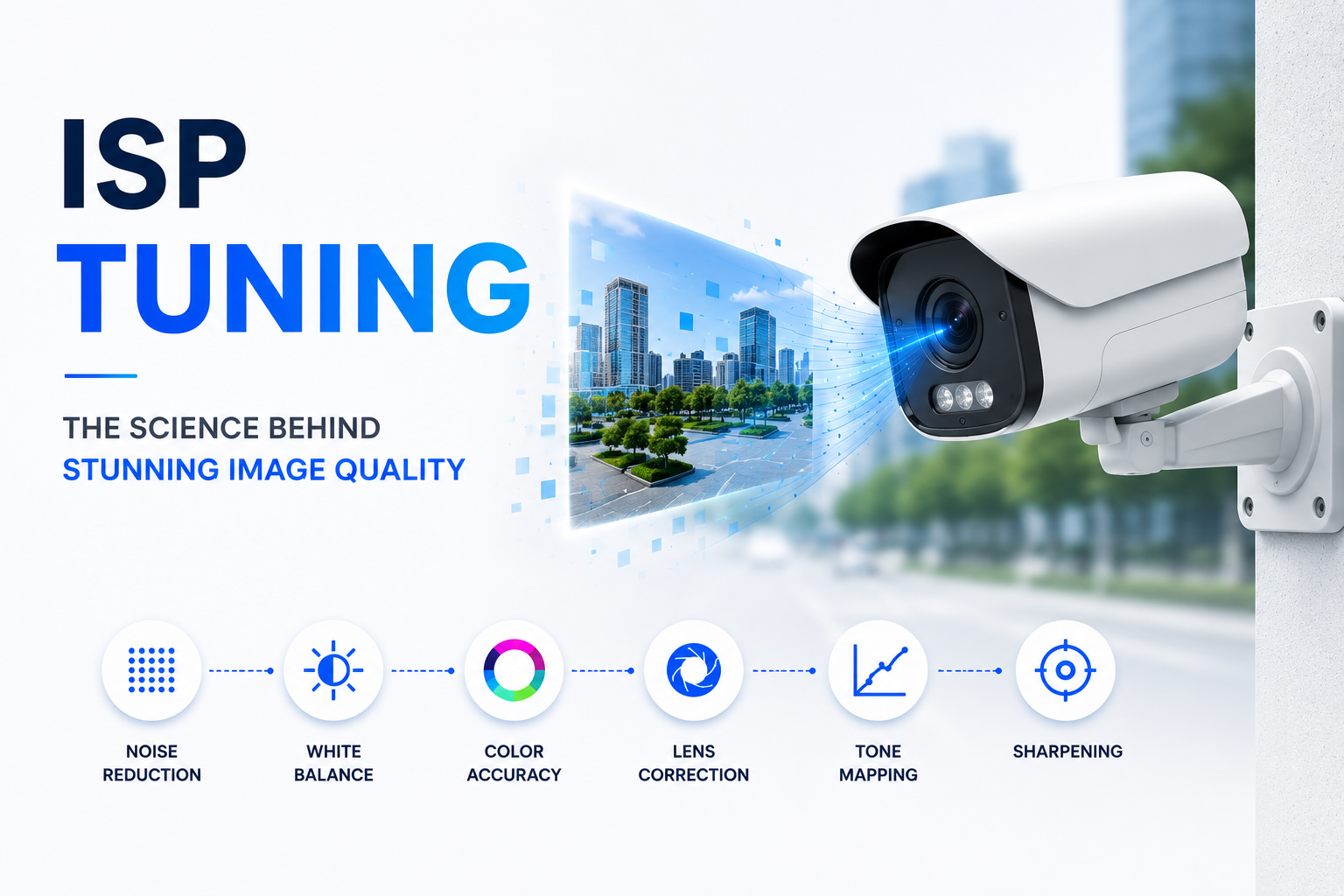
Every modern camera depends on an Image Signal Processor (ISP) to convert raw sensor data into a clear, usable image. But the ISP doesn’t work out of the box — it must be tuned. ISP tuning is the process of calibrating the entire image pipeline so the camera performs consistently across lighting conditions, motion, and environments.
This guide covers what ISP tuning is, why it’s needed, how the pipeline works, what you’ll need to get started, and the tuning steps used in professional labs.
What is ISP Tuning?
ISP tuning is the configuration and optimization of every processing block inside a camera’s image pipeline. An ISP contains algorithms for black level, demosaicing, noise reduction, white balance, color correction, tone mapping, sharpening, and more. Tuning adjusts hundreds of parameters so the output matches quality targets — accurate colors, low noise, good exposure, and natural sharpness.
Why ISP Tuning is Necessary
Raw sensor data has several inherent problems:
- Noise – Random grain, especially in low light.
- Color inaccuracy – Incorrect white balance and sensor color response.
- Lens shading – Darker corners (vignetting) and color shift.
- Poor dynamic range – Blown highlights or crushed shadows.
- Softness – Images lack crisp detail before sharpening.
Tuning compensates for sensor and lens characteristics, aligns the camera to human perception, and ensures consistent performance in mass production. Without tuning, even a high-end sensor produces poor images.
How ISP Tuning Works: The Pipeline Stages
The ISP processes raw sensor data through a chain of blocks. Tuning sets the behavior of each.
1. Sensor RAW Capture
Light hits the sensor and creates a Bayer pattern (RGGB, BGGR, etc.). This raw data is linear and not yet viewable.
2. Black Level Correction
Removes a fixed offset present even in total darkness, setting true black and improving contrast.
3. Defective Pixel Correction
Identifies dead/hot pixels and replaces them using neighboring pixel interpolation.
4. Lens Shading Correction
Applies a gain map to compensate for brightness falloff and color shading toward the image corners.
5. Demosaicing
Reconstructs full RGB for each pixel by interpolating missing color channels from the Bayer pattern.
6. Noise Reduction
Spatial (within a frame) and temporal (across frames) filters reduce grain while preserving detail.
7. White Balance
Adjusts RGB gains so neutral objects appear white under any light source (daylight, fluorescent, tungsten).
8. Color Correction Matrix (CCM)
A 3×3 matrix transforms sensor color space into standard sRGB or Rec.709 for accurate color.
9. Gamma Correction & Tone Mapping
Gamma applies a nonlinear curve to match human brightness perception. Tone mapping compresses high dynamic range for standard displays.
10. Sharpening
Enhances edge contrast to offset softening from demosaicing and noise reduction.
11. Additional Blocks
Geometric distortion correction, HDR merging, color space conversion, and final encoding (JPEG, H.264).
Tuning adjusts parameters at each step to create a balanced, high-quality image.
Prerequisites for ISP Tuning
To begin tuning, you’ll need:
- Imaging fundamentals – Sensor physics, Bayer patterns, gain, exposure, noise models.
- Color science – Color spaces, color temperature, chromatic adaptation, ΔE metrics.
- Signal processing – Filters, frequency response, temporal averaging.
- Optics – Lens distortion, MTF, aperture effects.
- Programming – C/C++, Python, or MATLAB for analysis and automation.
- Tool knowledge – Vendor ISP tuning suites (Qualcomm Chromatix, HiSilicon, Ambarella), image analysis software (Imatest, iQ-Analyzer).
ISP Tuning Requirements
Hardware
- Camera module with final lens and IR filter
- ISP evaluation board with raw capture ability
- Control PC with high storage capacity
Test Charts
- ISO 12233 (resolution)
- Macbeth ColorChecker (color accuracy)
- Siemens star (focus/sharpness)
- Distortion grid (geometry)
- Gray scale step chart (tone)
Measurement Instruments
- Spectrometer (light source characterization)
- Lux meter (illuminance)
- Spectroradiometer (luminance/color)
Lab Environment
- Darkroom – Fully light-sealed, matte black walls, no stray light.
- Calibrated light sources – D65, TL84, A (and others) with high CRI (>95), uniform chart illumination.
- Precision mounts – Vibration-isolated, repeatable positioning.
- Thermal chamber (optional) – For automotive/industrial validation across temperatures.
- Analysis workstation – GPU-accelerated PC with tuning and measurement software.
ISP Tuning Procedure
A structured approach ensures all blocks are calibrated correctly.
- Sensor Characterization
Measure black level, noise profiles, defective pixels, and linearity. Load correction tables into ISP. - Lens Calibration
Capture flat-field to create shading correction maps. Grid charts provide distortion profiles. - Initial Pipeline Bring-Up
Enable basic demosaic, white balance, generic CCM, and standard gamma. - White Balance & CCM Tuning
Use ColorChecker under multiple illuminants. Derive WB gains and CCMs to minimize color error. - Tone Curve Tuning
Adjust gamma and tone mapping using an OECF gray scale chart for perceptually uniform steps. - Noise Reduction & Sharpening
Tune spatial/temporal NR and edge enhancement at different gain levels, balancing noise vs. detail. - 3A Tuning (Auto Exposure, AWB, Auto Focus)
Set convergence speed, flicker avoidance, white boundaries, and focus parameters. - HDR & Advanced Modules
Configure multi-exposure merge, ghost artifact suppression, and local tone mapping if applicable. - Validation & Real-World Testing
Test under varied scenes (daylight, low-light, backlight, motion) and refine subjectively.
ISP Tuning Methods
- Manual Tuning – Expert adjusts parameters block-by-block. High precision but time‑consuming. Used for golden references.
- Semi-Automated Tuning – Measurement software analyzes chart images and computes optimal parameters; engineer validates. Standard for mass production.
- AI‑Assisted Tuning – Machine learning predicts optimal settings or replaces pipeline stages, enabling scene-adaptive processing. Used in advanced computational photography.
Best Practices
- Maintain strict lab environment control for repeatability.
- Use objective metrics (MTF, SNR, ΔE) together with visual checks.
- Tune one module at a time to isolate variables.
- Log all parameter changes and firmware versions.
- Validate in real-world scenarios beyond lab conditions.
Conclusion
ISP tuning is what makes a camera deliver great images. By carefully calibrating each pipeline block in a controlled lab and following a systematic methodology, you can transform raw sensor data into accurate, sharp, and visually compelling output. Whether for smartphones, automotive vision, robotics, or security, mastering ISP tuning is essential for building professional-grade imaging systems.