


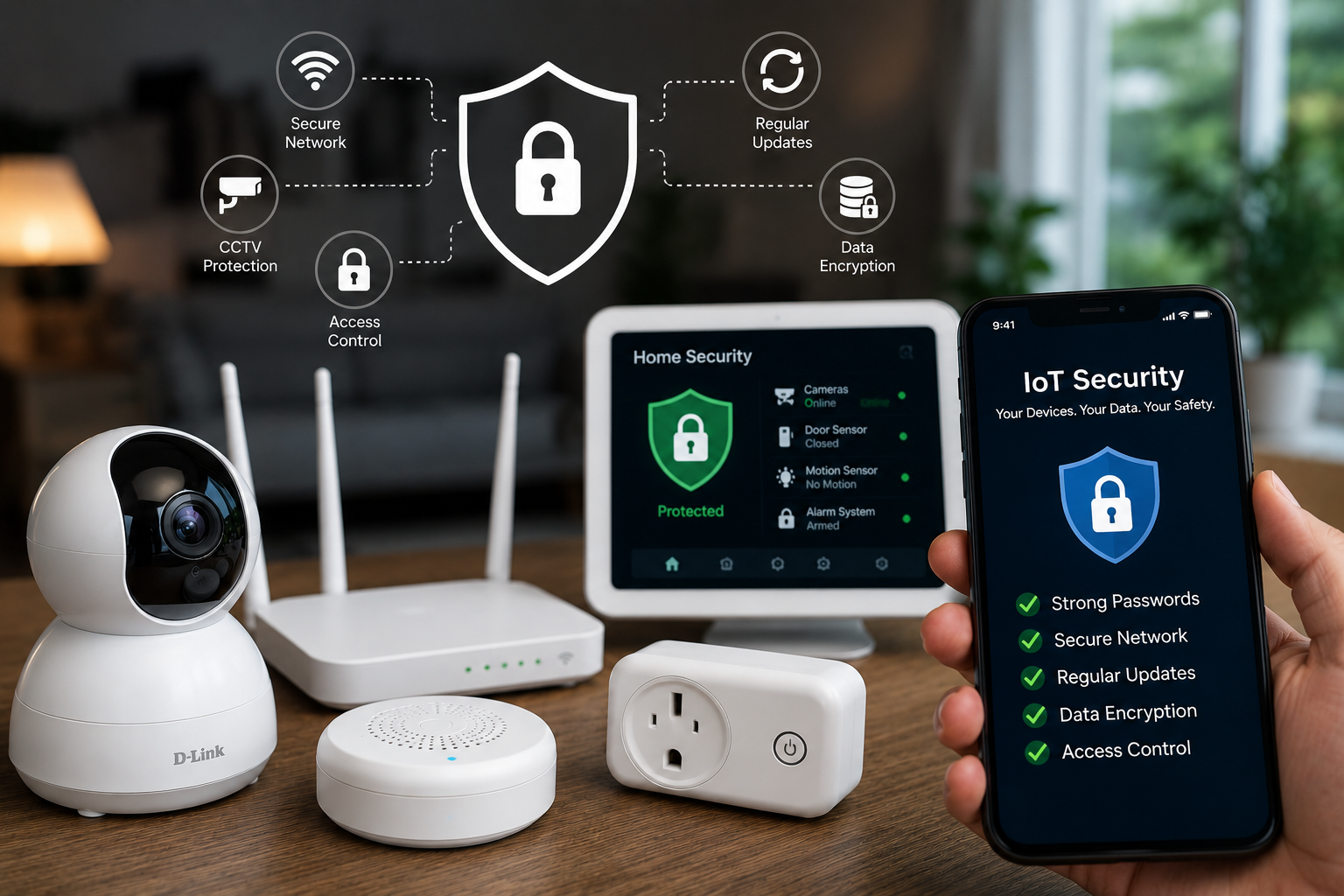
The world around us is getting smarter every day. From smart homes and wearable devices to industrial automation, IoT (Internet of Things) has become a core part of modern life. But with this rapid growth comes a serious question — how secure are these devices really?
Many IoT systems are built with convenience in mind, not security. And that’s exactly where problems begin.
Security experts at OWASP have identified the most common weaknesses found in IoT devices. These are not just theoretical risks — they are based on real-world attacks and vulnerabilities.
Let’s break them down in a simple and practical way.
1. Weak or Default Passwords
Many IoT devices still come with simple or factory-set credentials like admin/admin. Some even have hardcoded passwords.
Why it’s risky:
Attackers can easily guess or access these credentials and take control of the device.
How to protect:
- Use strong, unique passwords
- Avoid reusing passwords across devices
- Enable two-factor authentication if available
2. Insecure Network Services
IoT devices often use outdated or unprotected communication protocols.
Why it’s risky:
Data can be intercepted, and attackers may gain remote access to devices.
How to protect:
- Use secure protocols like HTTPS or TLS
- Avoid public Wi-Fi for IoT devices
- Keep network services updated
3. Poorly Secured Interfaces
IoT systems connect with apps, APIs, and cloud services that may not be fully secure.
Why it’s risky:
Weak interfaces can expose sensitive data or allow unauthorized access.
How to protect:
- Apply authentication and authorization
- Use encrypted communication
- Keep apps and APIs updated
4. No Proper Update System
Many IoT devices do not receive regular firmware or security updates.
Why it’s risky:
Old vulnerabilities remain open and can be easily exploited.
How to protect:
- Choose devices with regular updates
- Enable automatic updates
- Replace unsupported devices
5. Unsafe Default Settings
Many IoT devices are shipped with insecure default configurations like open ports or unnecessary services.
Why it’s risky:
These settings create easy entry points for attackers.
How to protect:
- Change default settings immediately after setup
- Disable unused features and services
- Regularly review device configurations
6. Outdated Components
IoT devices often rely on third-party software that may become outdated.
Why it’s risky:
Known vulnerabilities in old components can be exploited by attackers.
How to protect:
- Regularly update software and libraries
- Monitor for security patches
- Use trusted components only
7. Weak Privacy Protection
Some IoT devices collect personal data without proper security or consent.
Why it’s risky:
Sensitive data like location or personal information can be exposed.
How to protect:
- Use encryption for data protection
- Limit data collection
- Ensure user consent is taken
8. Unsecured Data Transfer and Storage
Data is sometimes sent or stored without encryption.
Why it’s risky:
Attackers can intercept, steal, or modify sensitive information.
How to protect:
- Use HTTPS for data transfer
- Encrypt stored data
- Implement strong access controls
9. Poor Device Management
Managing IoT devices without proper controls can create security gaps.
Why it’s risky:
Unauthorized users may gain control of devices.
How to protect:
- Use strong authentication
- Limit access to authorized users
- Monitor device activity
10. Lack of Physical Security
Physical access to IoT devices can lead to hardware-level attacks.
Why it’s risky:
Attackers can tamper with devices or extract sensitive data.
How to protect:
- Disable debug ports
- Use secure boot
- Add tamper protection mechanisms
Conclusion
IoT devices make life smarter — but they also introduce new security challenges.
Ignoring these risks can lead to data breaches, privacy issues, or even complete control of your devices by hackers.
The solution is simple:
Be aware, stay updated, and take basic security steps.